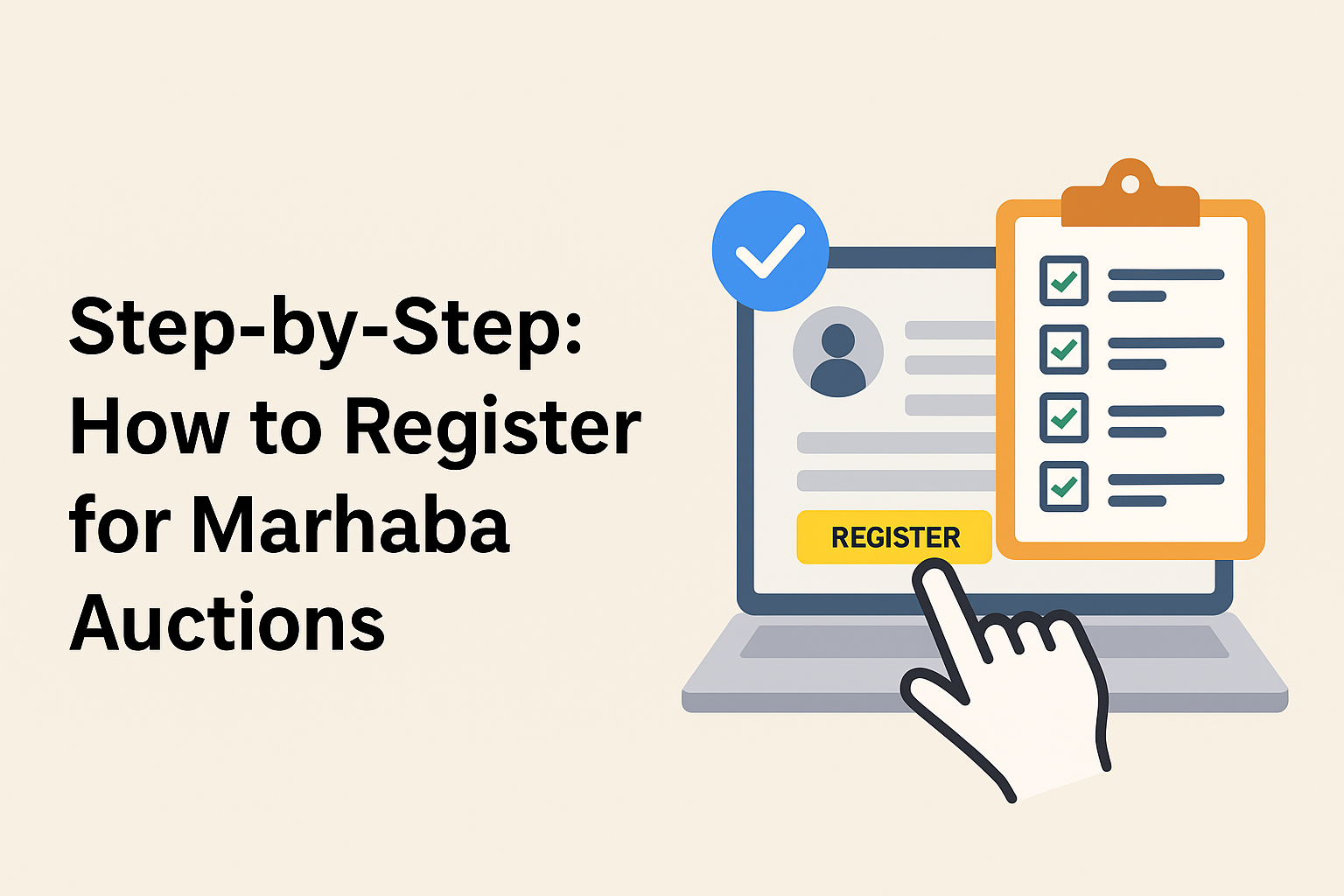
Step-by-Step: How to Register for Marhaba Auctions
By Laraib Shabir Marketing
October 06, 2025
Marhaba Auctions registration
Marhaba Auctions sign up
Marhaba Auctions account
online car auctions UAE
auction bidding process UAE
Educational blog
Marhaba Auctions is a platform where people can bid on
items, cars, and goods. Registering is the first step to join and bid. This
guide explains how to register in very simple English. Follow each step
carefully.
- Visit
the Marhaba Auctions website
Open your web browser and go to the Marhaba Auctions homepage. Look for a button or link that says “Register”, “Sign up”, or “Create account”. This is usually at the top right corner of the page. - Choose
the right account type
Some auction sites offer different account types for buyers and sellers. Pick the option that fits you. Most people will choose “Buyer” or “Bidder”. If you are not sure, choose “Buyer” for bidding. - Enter
your basic information
You will see a form that asks for simple details:
- Full
name
- Email
address
- Mobile
phone number
- A
password
Use an email and phone number you can access right now. Choose a password that is easy for you to remember but hard for others to guess.
- Verify
your email and phone
After you enter your email, Marhaba Auctions will send a verification email. Open the email and click the link to confirm your address. You may also receive a code on your phone. Type that code on the website to verify your number. - Add
identification documents
Many auction sites ask for ID to prove who you are. Prepare a clear photo or scan of:
- Passport,
or
- National
ID, or
- Driver’s
license
Upload the document where the site asks. Make sure the picture is clear and all details are visible. The site might review these documents before you can bid.
- Fill
in your address and payment details
Enter your home or business address. This is important for shipping or invoices. Next, add a payment method. Marhaba Auctions may accept:
- Credit
or debit card
- Bank
transfer
- Other
local payment methods
If you plan to pay later, check how the site handles invoices and payment deadlines.
- Read
and accept terms and fees
Always read the terms and conditions. Look for information about buyer fees, taxes, and return rules. You will usually need to check a box that says you agree. If there are buyer premiums or registration fees, note them down. - Place
a security deposit or pre-authorization (if required)
Some auctions require a deposit or card pre-authorization before you can bid. This shows you are a serious buyer and protects sellers. If a deposit is required:
- Pay
the deposit through the methods shown, or
- Allow
the website to pre-authorize your card
Keep the receipt or a screenshot as proof.
- Get
your bidder number
Once your account is approved, the site will give you a bidder number or badge. You need the bidder number to participate in live auctions. - Take a
test or watch a demo auction
If Marhaba Auctions offers a demo, watch it. A demo helps you learn how bidding works and how to place bids safely. Practice with a small auction or a test bid if available. - Set
alerts and watchlists
Use watchlists to follow items you like. Set email or app alerts for new auctions, lot updates, or when you are outbid. This makes it easier to join auctions on time. - Know
the rules before you bid
Understand the auction timeline, how bids increase, and what happens if you win. Check:
- When
payment is due
- How
to collect or ship items
- Any
extra fees for buyers
If you have questions, read the FAQ or contact support.
- Use
security features
Turn on extra security if offered. This may include two-factor authentication (2FA) or an extra PIN. Do not share your password or bidder number. - Contact
support if you need help
If something is not clear, contact Marhaba Auctions support. Common ways to reach support:
- Live
chat on the website
- Email
address for help
- Phone
number for customer service
Keep a record of any support messages.
Simple FAQ
Q: Can I change my email later?
A: Yes. Update your email in account settings and verify it.
Q: My ID was rejected. What now?
A: Check photo quality and text. Upload a clearer scan or a different document.
Q: How do I cancel my account?
A: Contact support to close your account.
Final checklist
- Email
and phone verified
- ID
uploaded and approved
- Address
and payment added
- Terms
accepted
- Deposit
paid (if required)
- Bidder
number received
By following these steps, you will be ready to bid on
Marhaba Auctions. Registration lets you browse, watch items, and take part in
auctions securely. Good luck and happy bidding! Happy bidding.